What are the Links available and their differences?
BEFORE LAUNCH
Preview Link -Before launching the survey, the PREVIEW LINK is used to test out the whole survey and at that time you are free to make any changes to the study.
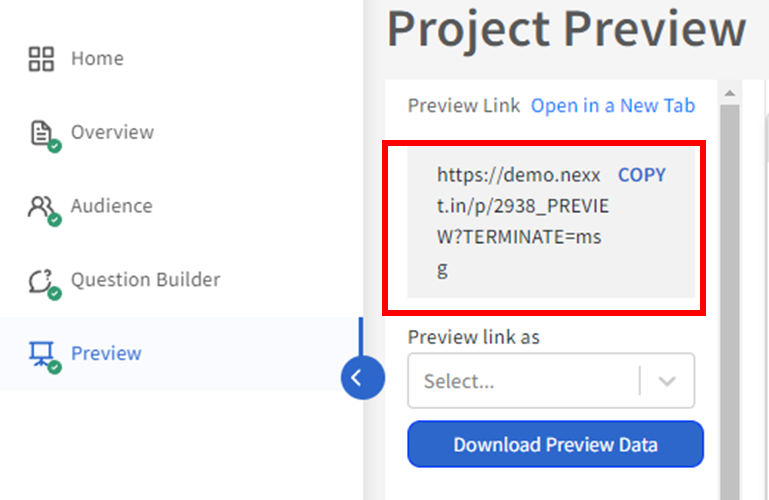
For more information about testing the preview links, please refer to the article here.
AFTER LAUNCH
Live Link- After launching the survey, the user will get the the live link for your survey. The Live Link is used to collect data from real respondents/participants. Only the data collected from the Live Link will be shown on inca's Dashboard.
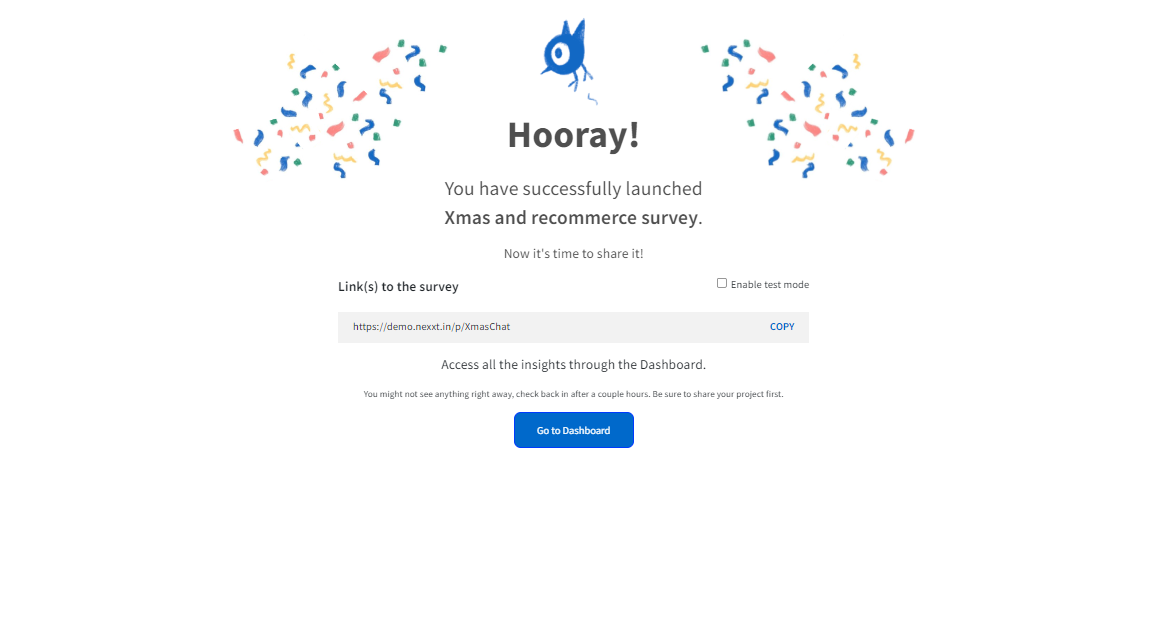
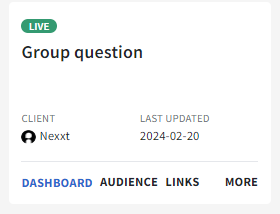
Using the Live Link for Multiple Panel Providers
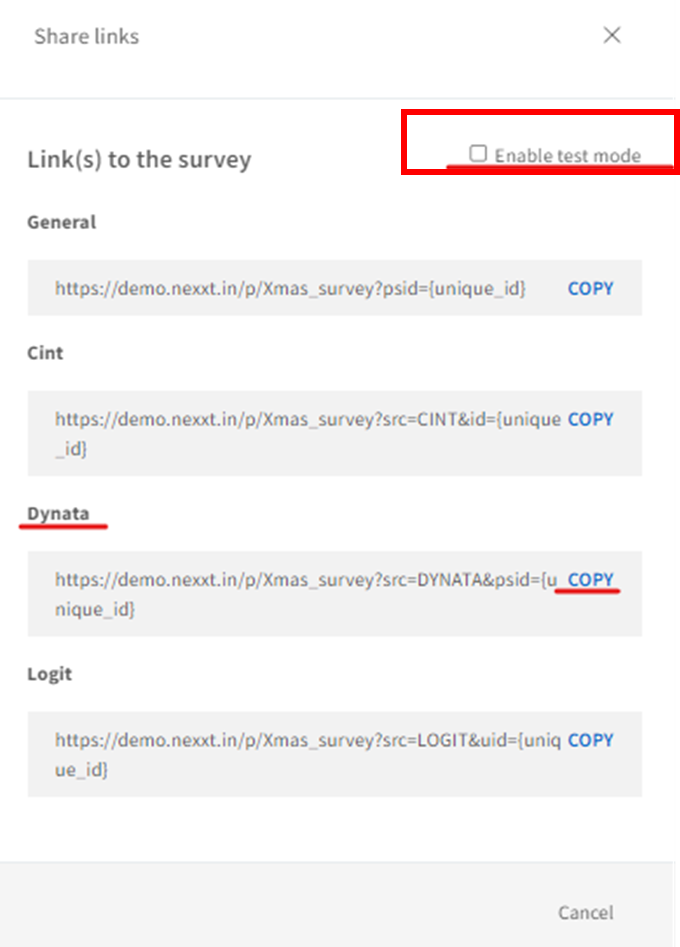
If you are using multiple panels to source your audience/participants, you will also get the live links for all the relevant panels. For example, in this demo study, they have multiple panels, including Cint, Dynata and Logit. To get a LIVE link for Dynata, please copy the link under Dynata (without checking "Enable test mode"). Please mention to them that they should be sending this link to the real participants, and it's NOT for testing purposes.
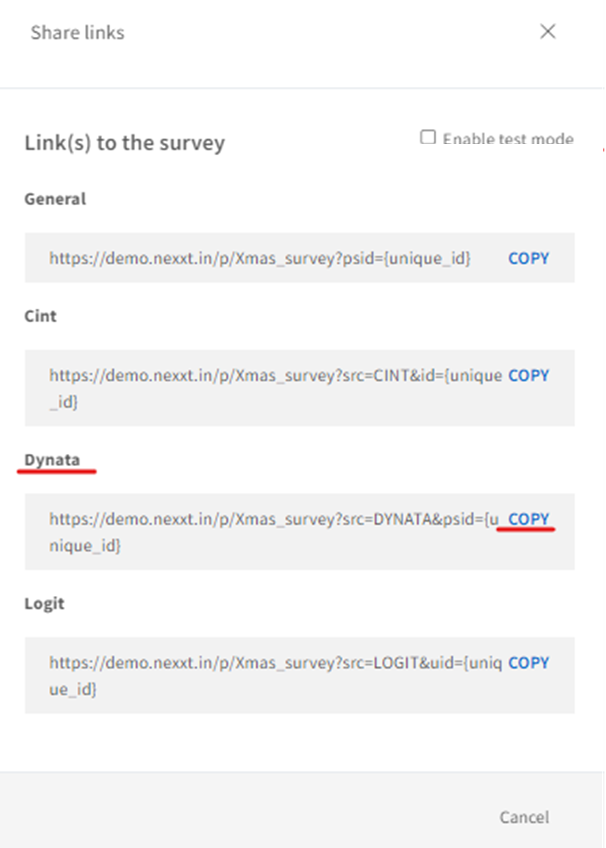
Test Link- The user can still get a test link by clicking Enable test mode. Once enabled, use the TEST link(s) to test the survey and/or panel redirects. Essentially TEST link and LIVE link work exactly the same in terms of participant experience including question layout, redirects, etc. The only difference is that only the data from the LIVE Link will be displayed on the dashboard.
For more information about redirect testing, please click on the article here.
Note: In case the user forgets to toggle on test mode they will still be able to move the ID to the test mode data on the dashboard. For this feature on Data Management, click on this article here.
Related Articles
How to checkout or launch a study?
Before checking out or launching a study, it's always recommended to go through the Pre-Launch Checklist to make sure everything is set up properly. Once everything is checked and looks well to you, you can proceed with launching the study on inca. ...