How to use other study or link options in the Preview Page?
In the Preview tab you can also find other settings to customize the survey chatbot:
Bot Avatar - You can change the image of the bot avatar by clicking the bot image.
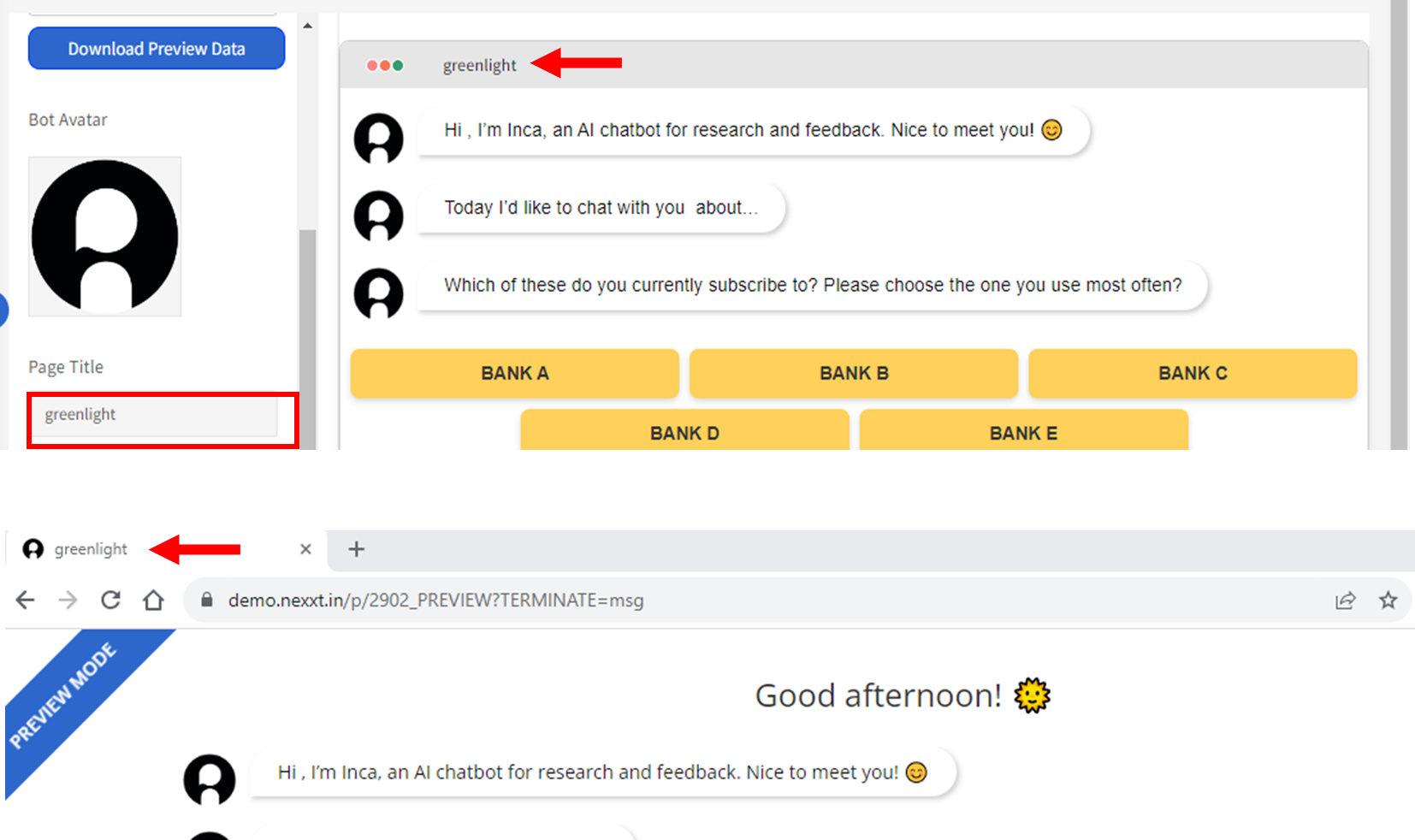
Page Title - You can change the page title of the survey chatbot by editing the Page Title box.
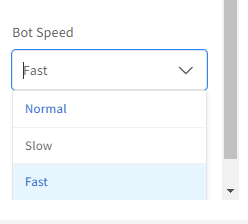
Bot Speed - This controls how fast the bot pushes the new message. Please set the speed (Fast, Normal, Slow) according to your target audience i.e. how fast can they read messages.
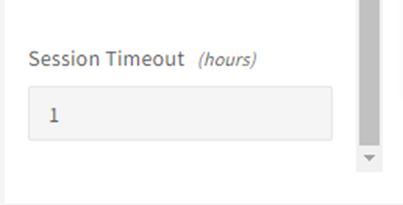
Session Timeout (in hours) - Every time a participant answers a question and moves to the next question or by clicking on the CONTINUE button, it is considered an activity on the survey. If participants stop responding or interacting with the survey, the inactivity period timer is started. If participants do not interact, and the inactive period exceeds the session timeout you set (for example 1 hour), the session will end.
After the session timeout, the participant can still continue answering the survey and they will prompted to RESUME (to go back to the last question where the participant has stopped answering) or RESTART (to go back and start the survey all over again).

Related Articles
What are the ways to preview and test my study?
When creating your survey, there are several ways to test and preview your study... Using the Question Preview On the Question Builder Page, the QUESTION PREVIEW tab will give you a quick preview of the question you are working on. This is an easy ...How to checkout or launch a study?
Before checking out or launching a study, it's always recommended to go through the Pre-Launch Checklist to make sure everything is set up properly. Once everything is checked and looks well to you, you can proceed with launching the study on inca. ...Pre-launch Checklist
Before your survey is launched, you might be wondering if you have crossed all T’s and dotted all I’s. Use the below checklist to guide you through your pre-launch review process. We provide a FREE review for your FIRST study with inca. You will need ...What are the Links available and their differences?
BEFORE LAUNCH Preview Link -Before launching the survey, the PREVIEW LINK is used to test out the whole survey and at that time you are free to make any changes to the study. For more information about testing the preview links, please refer to the ...