How to close or pause a live study?
- After users PAUSE the link, they can still RESUME the link to continue with the fieldwork.
- After users CLOSE the study, they can NOT resume the link and restart the fieldwork anymore. Note that the system will run AI coding/summarization models for all the OEs only after they have CLOSED the study.
- If the study is already closed and users want to republish the study, please note that republishing the study will overwrite the previous analytics (AI coding) run on the dashboard. Please inform inca team in case you want to republish a closed study.
Also, the system will AUTO-PAUSE the link once the total sample target is met. After that, users can choose to modify the quota and then RESUME the fieldwork OR CLOSE the link.
How to PAUSE STUDY
1. To pause a study, click the "Pause Study" icon on the upper right side of the Management Stats page

2. Click "Proceed" on the pop-up notification
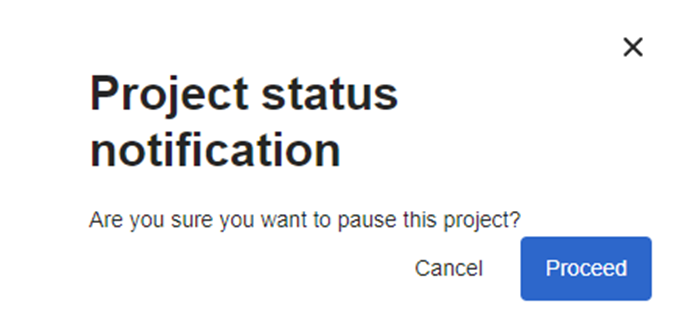
3. The project status will change from "live" to "paused". To resume fieldwork, click on Resume Study

Note: You may pause your study in case you want to do 1) a soft launch check in your survey 2) when you need to make major changes to the live link and need time to discuss the changes 3) when there are issues on your panel provider
How to CLOSE STUDY
1. To close a study, click the "Close Study" icon on the upper right side of the Management Stats page

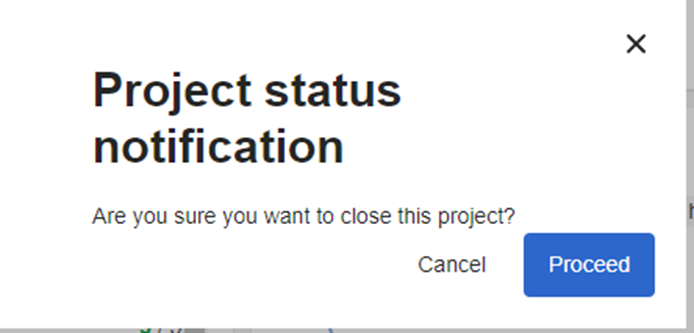
3. The project status will change from "live" to "complete." This will permanently close your study, making your link no longer accessible to participants.
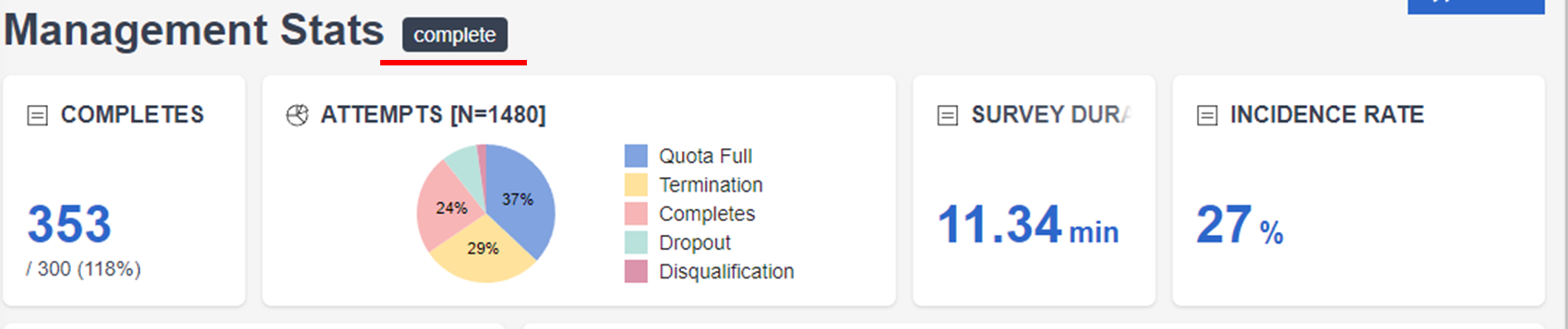
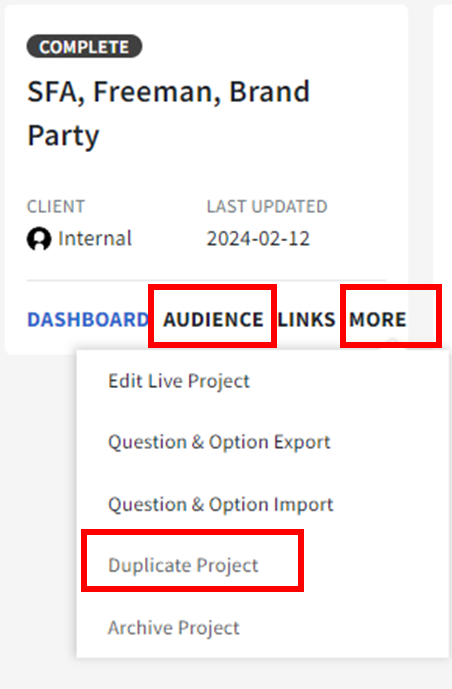
Note: Once the study is closed and users might want to open the link again for demo purposes, users can either:
- On the project card, click Audience and then click the Preview Page. This will redirect you to the Preview link which you can use for demo purposes.
- On the project card, click More and Duplicate project. This will also allow you to use the study as a new draft project that you can use for demo purposes.
Related Articles
How to monitor responses?
Once the survey chat is live, you can already access your project and monitor the responses on the inca dashboard. The first feature of the dashboard is the MANAGEMENT STATS where you can check the real-time progress of collecting responses and other ...How to share a link for the panel provider to view fieldwork progress?
If you are working with a 3rd party panel, they usually ask for a link to monitor fieldwork progress so that they can adjust sample pushing accordingly. On the inca platform, you can accomplish this by sharing the management stats page with the panel ...